Home / Visualizer
Kitchen Visualizer
See it in a real kitchen.
Mix door colors, countertops and floors in a sample kitchen. Drag the line to compare before and after — then try it with a photo of your own kitchen.Mix door colors, countertops and floors in a sample kitchen. Drag the line to compare before and after.
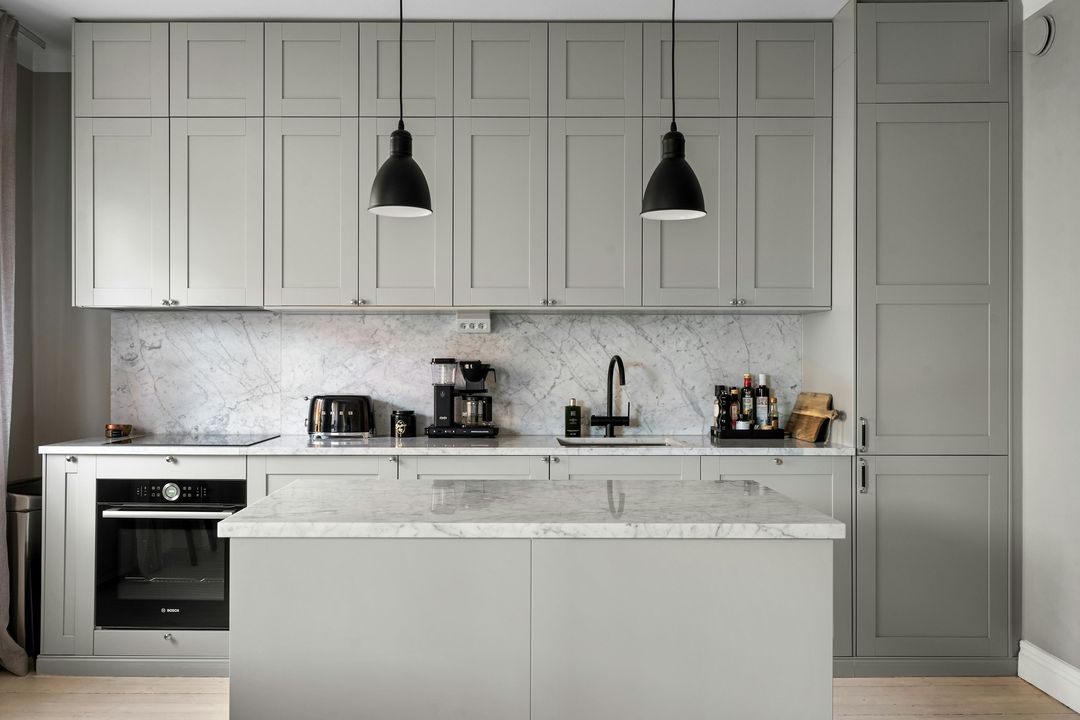 BeforeAfter
Preview only — colors and patterns are approximate. See the real doors, stone and floors in our showroom.
AI preview · DemoAI preview
Try it with your own kitchen.
Upload one photo of your kitchen. We check the photo first, so a dark, blurry or wrong picture is caught before anything is made. Then AI shows your kitchen with the doors, countertop and floor you picked above.
About this demo: the photo check is real and runs on your device — nothing is uploaded. Making the AI preview turns on with the live site, so for now the demo shows real AI results from our test instead of your kitchen.
- 1Add a photo
- 2Photo check
- 3AI preview
- Stand in a doorway or corner so most of the cabinets are in the shot.
- Turn on the lights and hold your phone sideways.
- Any kitchen works — even the old one you’re replacing.
Demo: your photo stays on your device. Nothing is uploaded.
Your photo is sent securely to make your preview, and goes to our showroom with your request. We keep it for 12 months, then delete it.
Usually ready in under a minute. You can keep browsing — we’ll let you know when it’s ready.
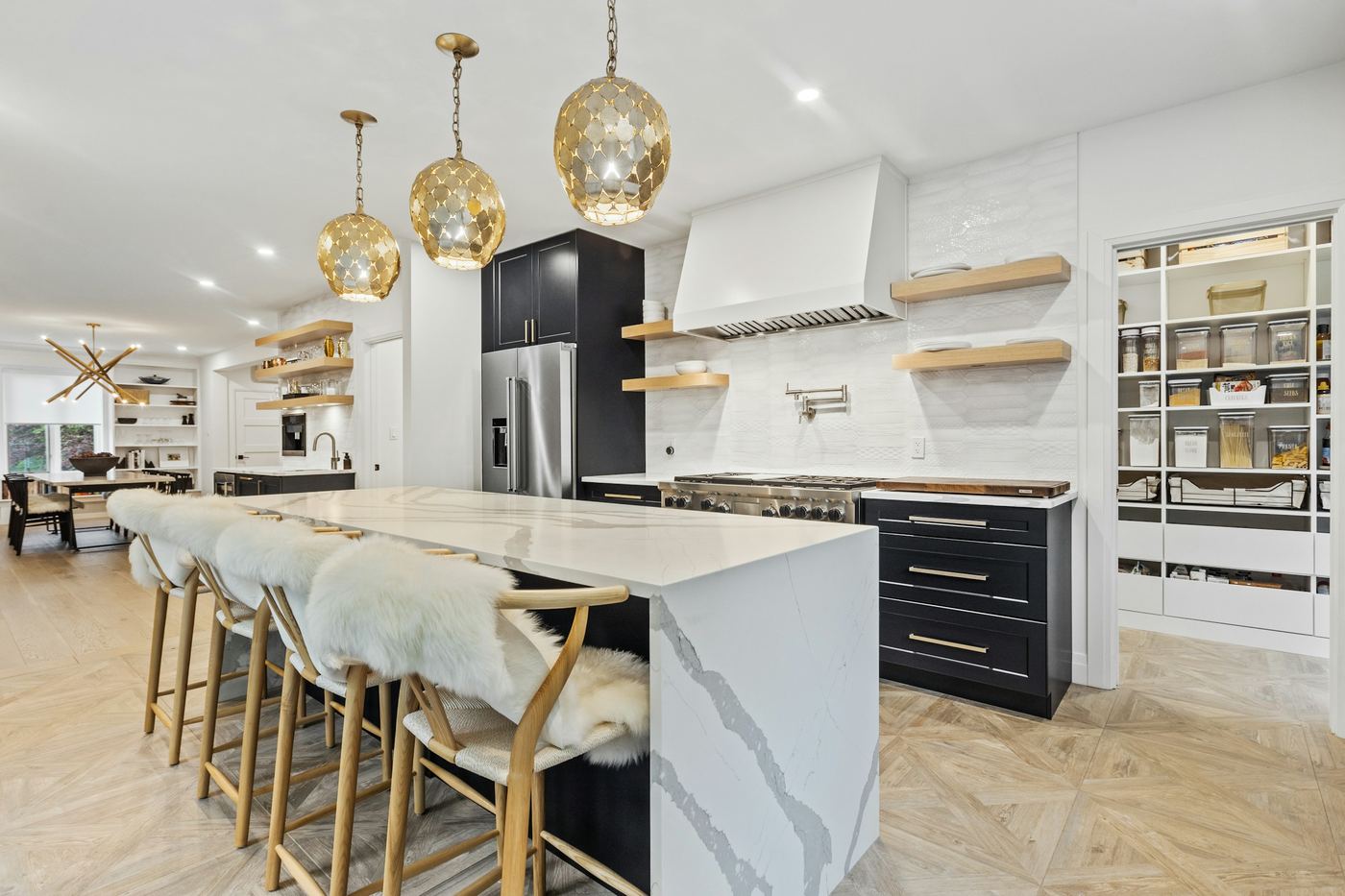
Let’s picture your new kitchen.
Start with the shape of your room — it takes about two minutes.